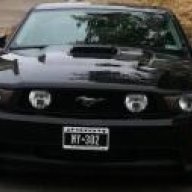
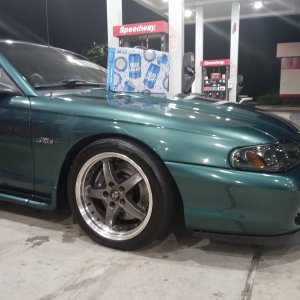
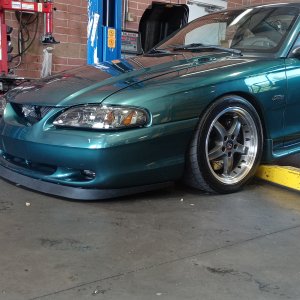
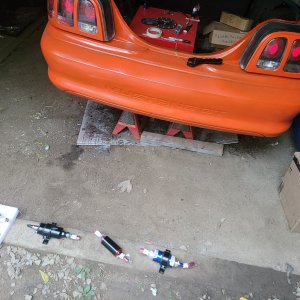
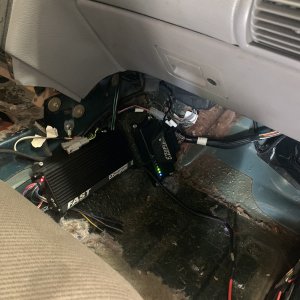
I do the same thing with all my Photoshops lol. Makes the clouds look cool and brightens up the colors. Kind of an HDR look but not quite.
If you have photoshop, do this (I have Photoshop CS): Image > Adjustments > Shadow/Highlight. In this menu, set the Shadows as 100% and Radius at ~10px. Set the Highlights as 100% and the Radius at ~100px. Then go to Image > Adjustments > Brightness/Contrast. Set the Brightness to -2 and then move the Contrast slider up until the colors pop. It's usually between +30 and +40 but it depends on that particular picture. And don't be afraid to experiment! Here's another picture done with the same method.