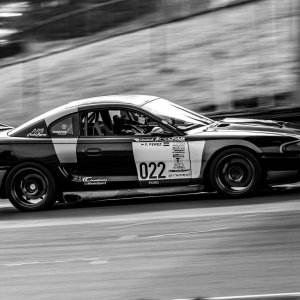
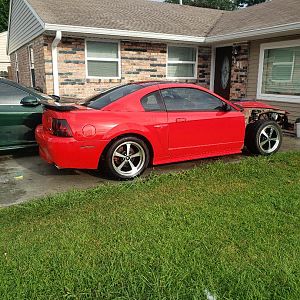
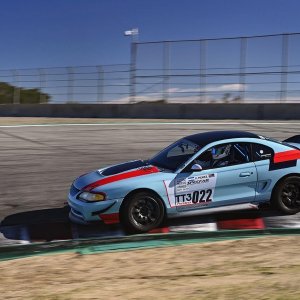
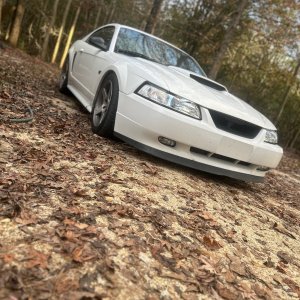
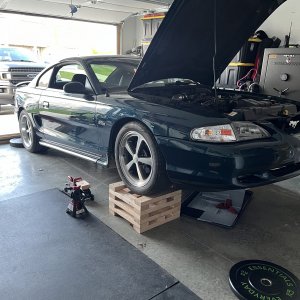
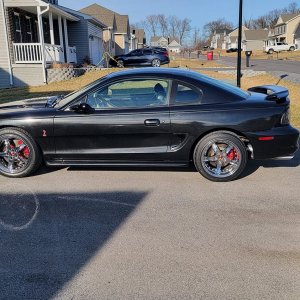
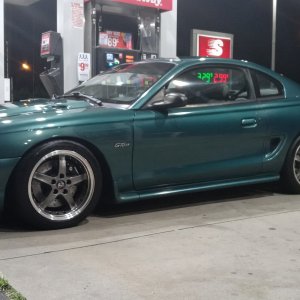
just used photoshop and messed with the image settings like contrast, brightness, hue, saturation....things of that nature just learned about it today when looking up HDR photos!! those are next!!
now go to hue grab a green filter and boost it to about +70
and for the first one go to image>adjustments>levels and lighten it up, then you can go to curves, draw a little S curve and the picture will turn badass