ellipse tool around the wheels and a BIT of the tire then copy that onto your car picture..
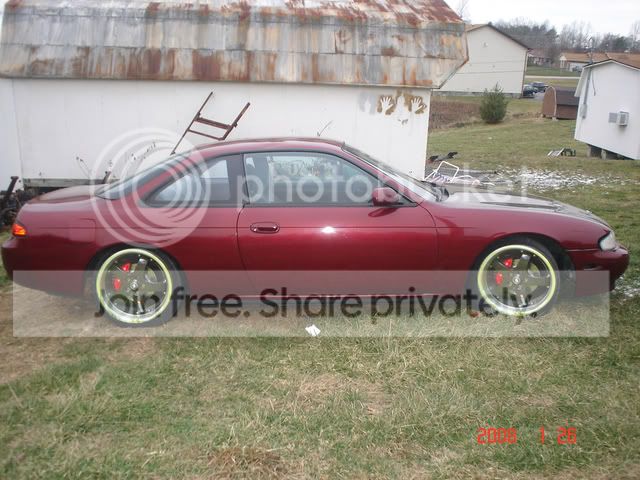
right click after pasting the wheel on the car picture and choose free transform.. resize as needed and fit it over the stock wheel. to get a glimpse at what it would really look like, make the wheel a bit bigger than stock by guestimating the aftermarket wheel size over the stock wheel size.
after you get it all fit like you want and the approximate size figured out, press enter so it will apply the changes. then go to auto color, auto contrast, and auto w/e the other one is.. i dont have photoshop on my laptop so i can't tell you what the last auto setting is. you can find those in the 'Image' drop down menu at the top.
and it looks like you already know this but find a wheel that matches the same angle as your cars wheels. :thumb: :thumb:
also, you can make that picture look better with the chopped wheels by doing those auto settings i told you to do. it will make it look a lot more natural. after you get good with playing with settings, you can do it manually and really make it pop!