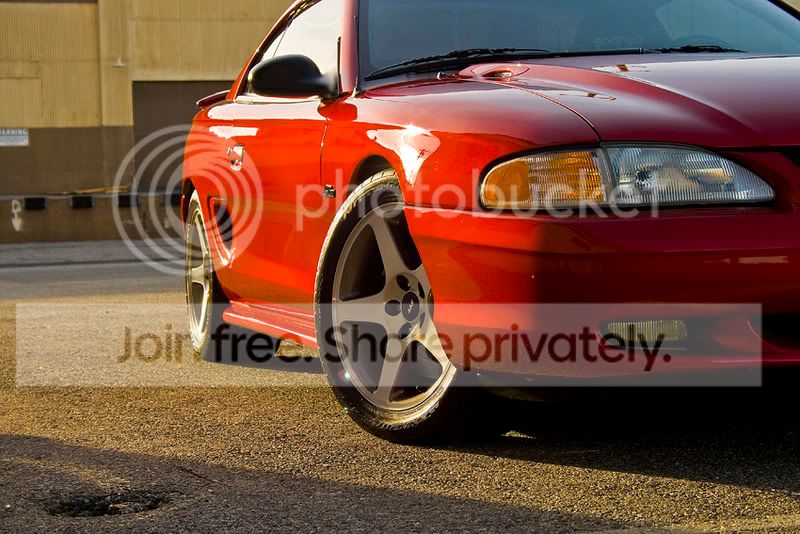
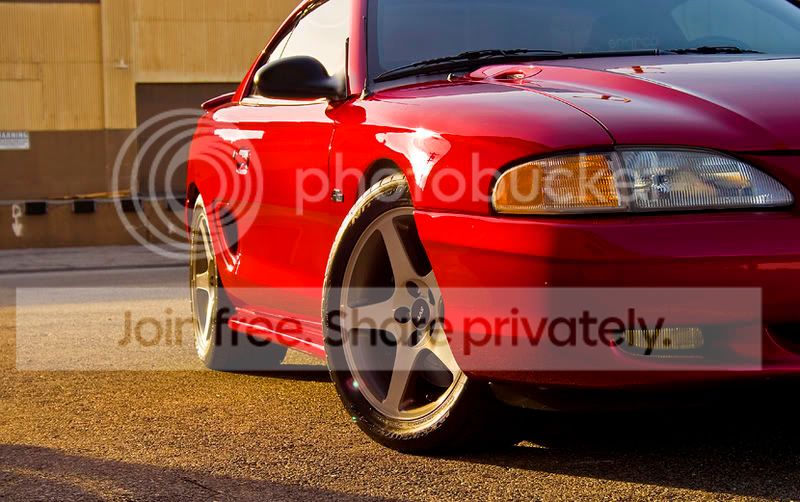
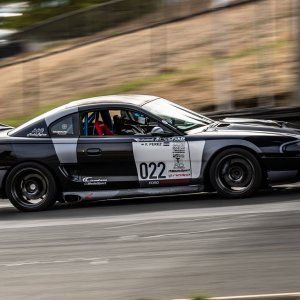
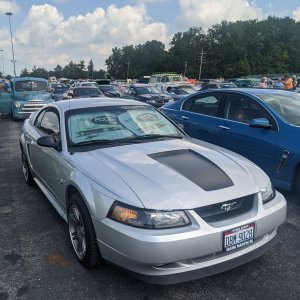
It's good to take a look at the picture after you take it, and just try different crops in PS until you get one that really pops out at you. Little things like the pothole are easy to miss until you start messing around with the pics.
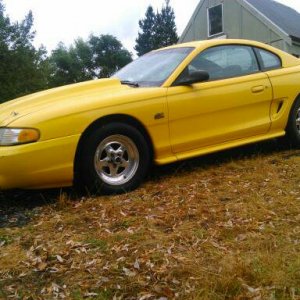
The color stuff I did for that picture was this:
1. Increase saturation by 10 on entire picture
2. Went to Image > Adjustments > Color Balance with values like this from left to right, -6, -12, +6
3. Selected just the body of the car with the polygon lasso and made it a separate layer
4. Went to Image > Adjustments > Hue and Saturation, and did +6 on the Hue and +12 on the Saturation.
Make sure to remove the headlights and fog lights from the new layer, so their color isn't adjusted.
Hope that all helps.